
Power and puzzles
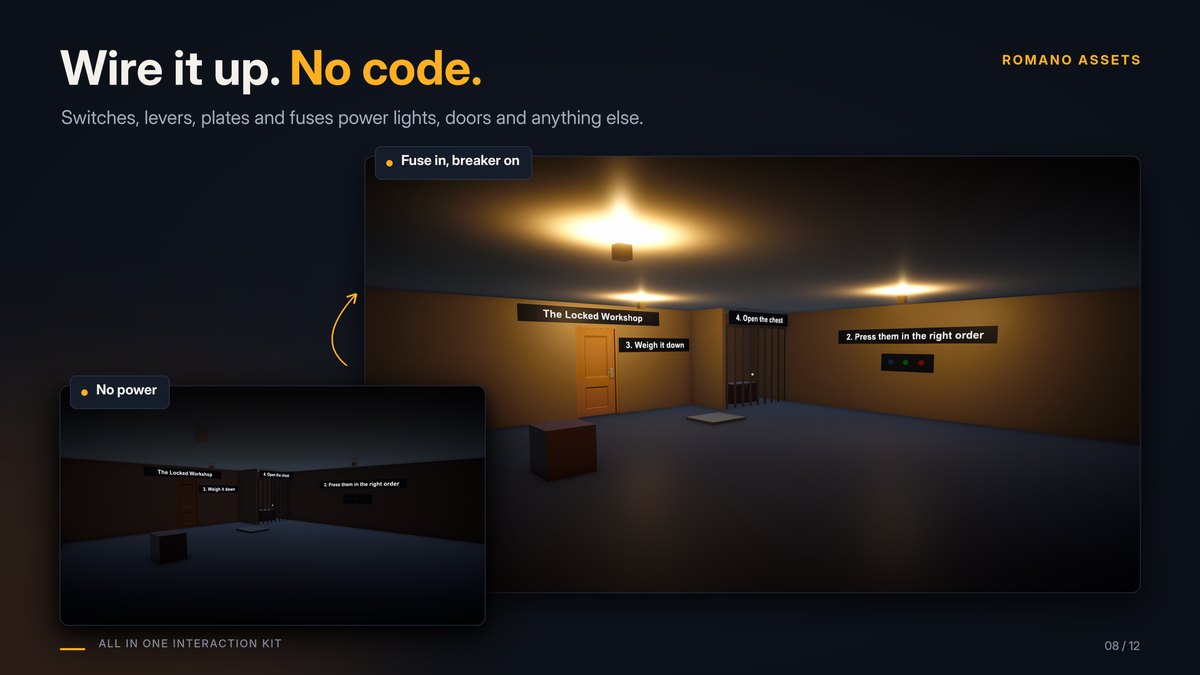
Wire switches, levers, buttons and pressure plates to doors, lights and anything else, with logic in between. No code.
The idea #
A power source is either on or off. Anything that should react to it has a field for a source: drag the GameObject with the switch (or plate, gate, puzzle) into it. In the Scene view, wires show what powers what: cyan while editing, yellow when powered and grey when off in Play mode. Tools > All In One Interaction Kit > Show Power Wires turns them on or off.
Sources #
| Component | Powered while... |
|---|---|
| Switch (on an Interactable) | Toggle: it's on ("Turn On" / "Turn Off"). Momentary: for a moment after each press ("Press"), like a push button. Optional Moving Part that moves while on. |
| Power From State | Any part with an open/on state is on: a lever made from a Hinge, a handle made from a Slide. Added automatically with a Switch. Invert = powered while off/closed. |
| Pressure Plate | Enough weight stands on it (Weight mode, in kg) or enough things (Count mode). Crates count with their Rigidbody mass; players and NPCs (CharacterController or kinematic Rigidbody) as Character Weight. Scenery never counts. Its Box Collider is the detection area: cover the plate and about half a metre above it. Plate Visual sinks while pressed. |
| Pressure Plate 2D | The same for 2D physics. Dynamic Rigidbody 2D bodies count with their mass, kinematic ones (players or NPCs moved by script) as Character Weight; things without a Rigidbody 2D never count. Its Box Collider 2D is the detection area. |
| Power Gate | Its Inputs combine: Any (OR), All (AND), None (NOT), Exactly One (XOR), or Toggle (flips each time an input turns on). On Delay / Off Delay for timed doors ("stand on the plate for 2 seconds"). |
| Sequence Puzzle | Its inputs were used in the right order (Sequence). A wrong input is a fail: the progress resets and the switches in Reset On Fail switch back off. Events: On Progress, On Solved, On Failed. |
Every source also has On Powered / On Unpowered events for sounds and effects.
What power can do #
| Component | Does |
|---|---|
| Power Receiver | Drives a part next to it (a door's Hinge, a Slide, a Switch): Follow Power (open while powered), Open Once, Toggle On Power, or Events Only. Power opens a door even if it's locked. |
| Needs Power (condition) | The object can only be used while powered; otherwise the prompt says why ("No power"). |
| Powered Light | Switches Lights, and objects such as a lit bulb, with the power. |
Recipes #
- A lever opens a gate: make the lever with the Setup Wizard (Type Lever), put a Power Receiver on the gate's door part, drag the lever into Source.
- Two plates at once: a Power Gate set to All with both plates as inputs; the door's receiver uses the gate.
- Press the buttons in order: three Buttons; a Sequence Puzzle with them in the right order; a receiver on the door with Open Once.
- Lights out when the breaker trips: a Switch as the breaker; Powered Light on each lamp; Needs Power on the terminal.
Multiplayer #
Switches and levers are shared by their Network Interactable like any door. For pressure plates, gates with delays or toggles, and puzzles, add a Network Power Source: the host decides, and every player (and late joiner) gets the same value. Receivers only change doors on the host; clients receive the door's state.