
Screens
The front end is one prefab (Content/Prefabs/FrontEnd.prefab) with every screen. One instance survives scene loads, and there is always exactly one EventSystem. Turn screens you don't need off in the kit window (Setup tab > Screens): they are removed when the game starts, and the buttons leading to them hide.
| Screen | What it does |
|---|---|
| Title | Your game's name and "Press any key". |
| Main menu | Continue (only when a save exists), New Game, Load Game, Settings, Credits, Quit. |
| Settings | Tabs of settings, help text for the focused setting, Apply, Cancel, Reset Category, Reset All. Leaving with unapplied changes asks Apply / Discard / Keep editing. |
| Credits | Scrolls a text file you provide (simple # headings). |
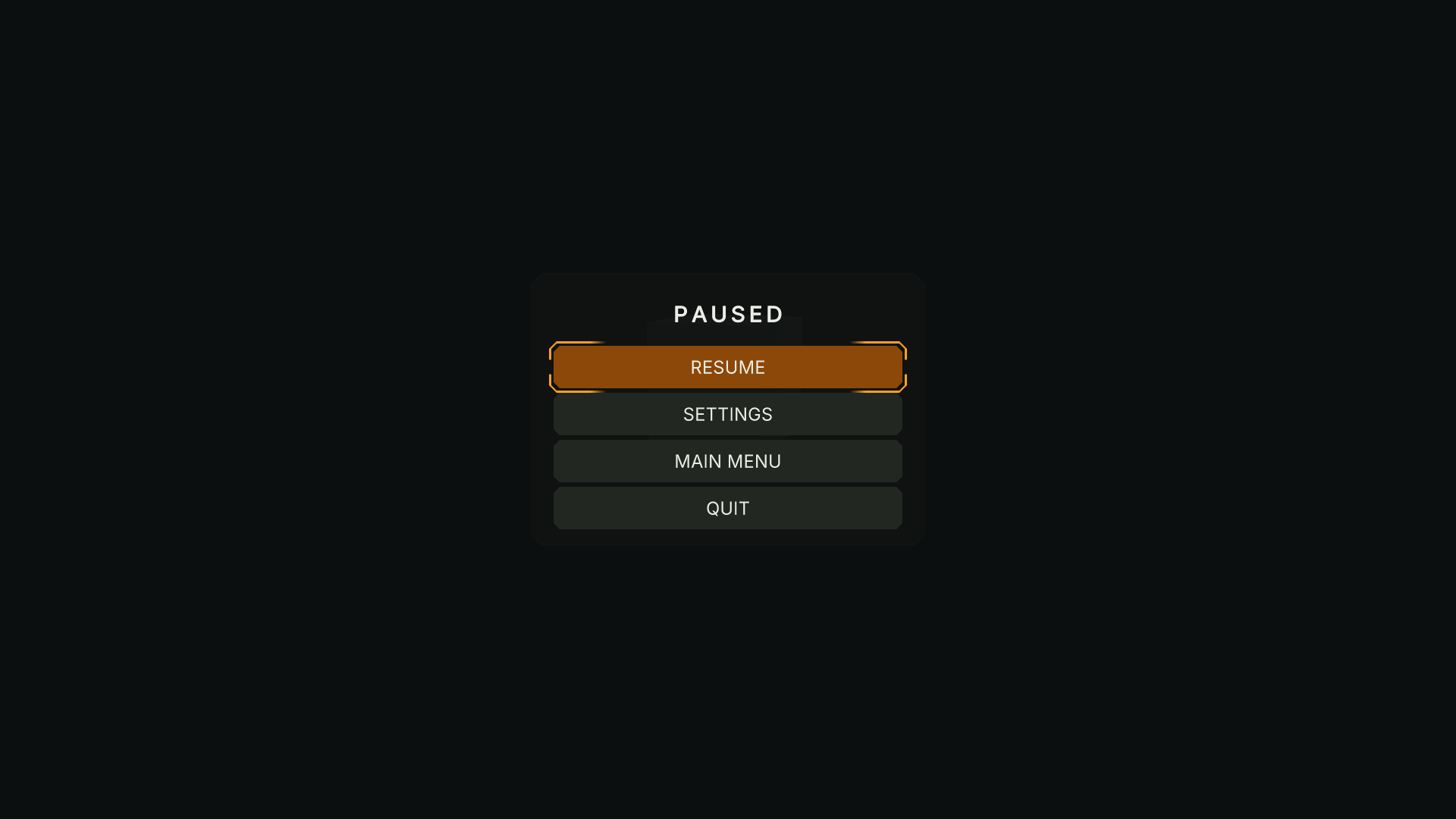
| Pause | Resume, Settings, Main Menu (asks first), Quit (asks first). |
| Loading | Progress bar, rotating tips from a text file, optional "Press any key to continue". |
| Confirm dialog | Yes / No questions (quit, back to main menu, unsaved changes, key conflicts). |
| Display change | "Keep these display settings?" with a 15-second countdown. |
| Controller disconnected | Shown when the last gamepad disconnects during play (optional). |
Scene modes #
Put a Menu Scene Mode component in each scene:
- Front End (menu scenes): the menu shows on load, optionally with the title screen.
- Gameplay (levels): the menu is hidden; Esc / Start pauses.
- Hidden: the menu stays out of the way (cutscenes, loading levels).
Navigation #
Keyboard, mouse and gamepad work everywhere. Focus is always visible and comes back to the button you left when you go back. Back is Esc or the gamepad's east button.
Text #
Every text can be translated (Languages). Texts shrink to fit long translations instead of being cut off; the game title may take two lines.