
All In One Game Settings & Menu Kit
Give your game a finished front end in five minutes: title screen, main menu, settings, pause, loading screen and dialogs, ready for keyboard, mouse and gamepad, in a look that fits your game. No code needed.
- Unity 6000.0+
- Built-in, URP & HDRP
- No code needed
- Full C# source
How it works
Your menu in three steps
-
Open the kit window
Tools > All In One Game Settings & Menu Kit. The Home tab lists the Quick Start steps and offers a guided tour. -
Click the four steps
Copy the settings profile, create the audio mixer, add the front end and mark your menu scene. Each step gets a check mark.
-
Press Play
The title screen opens. Settings save, apply and come back every time the game starts.
Features
Every screen a game needs, and the settings players expect
Every screen
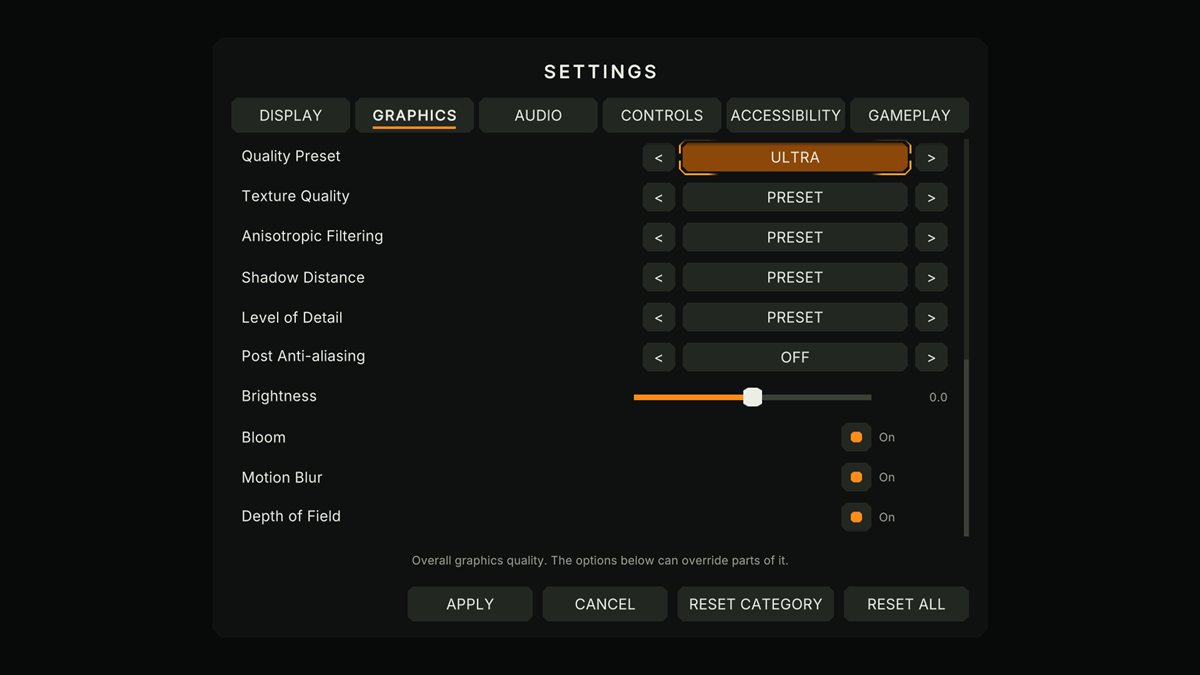
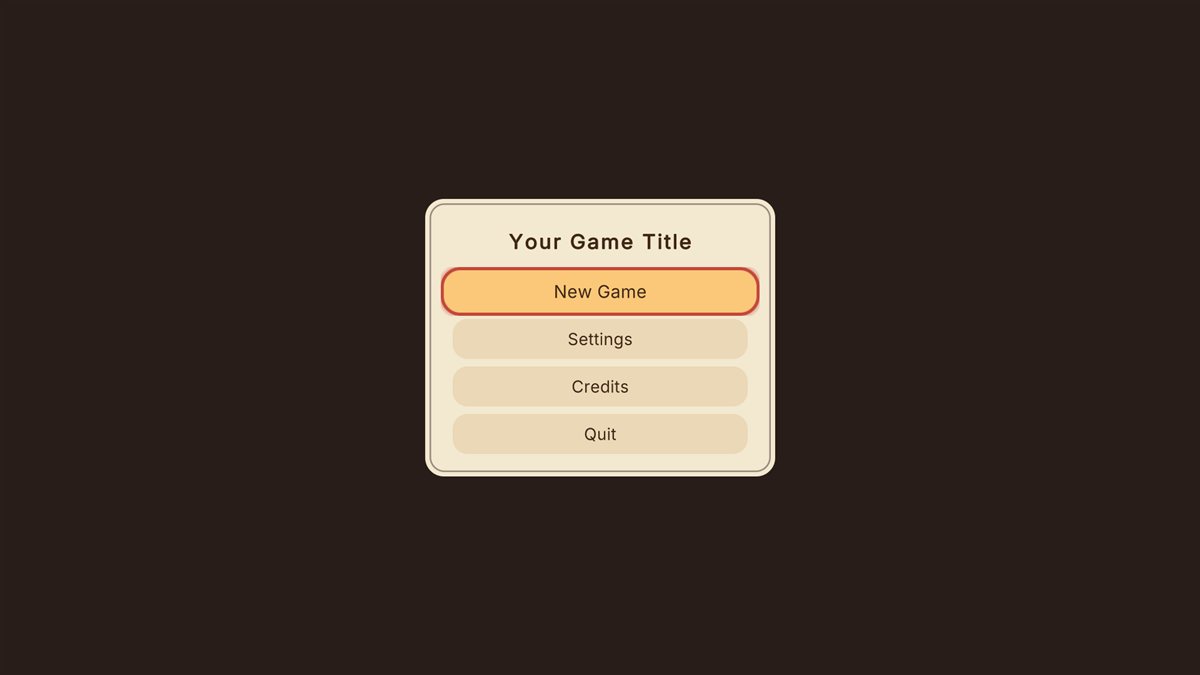
One front-end prefab- Title, main menu, settings, credits, pause, loading screen with tips, dialogs and a controller-disconnected prompt.
- Continue appears when there's a save; screens you turn off hide the buttons that lead to them.
- Survives scene loads, with exactly one EventSystem.
Display and graphics
- Resolution, refresh rate, window mode, monitor, VSync, frame limit
- Quality preset plus per-detail overrides
- URP extras: render scale, upscaling, MSAA, HDR, shadows, post effects
- Built-in, URP and HDRP
Controls
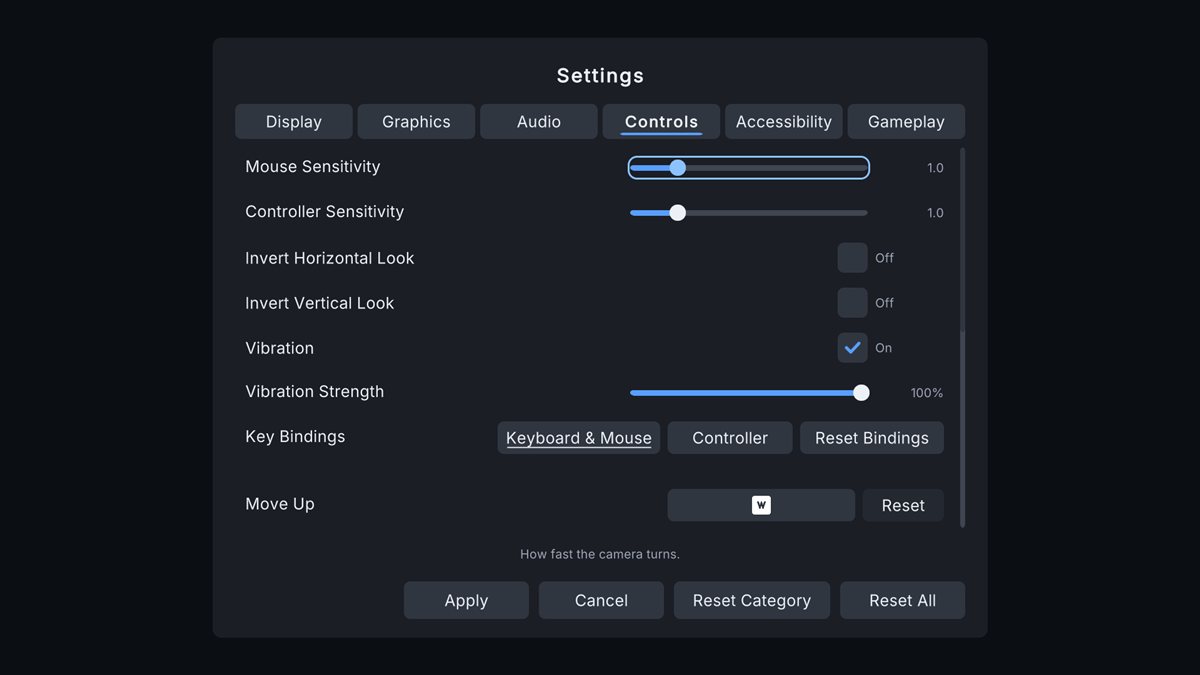
- Key rebinding, keyboard and controller tabs
- Conflicts found, with Swap
- Xbox, PlayStation and Switch prompts that follow the device in use
- Sensitivity, invert, vibration
Safe for players
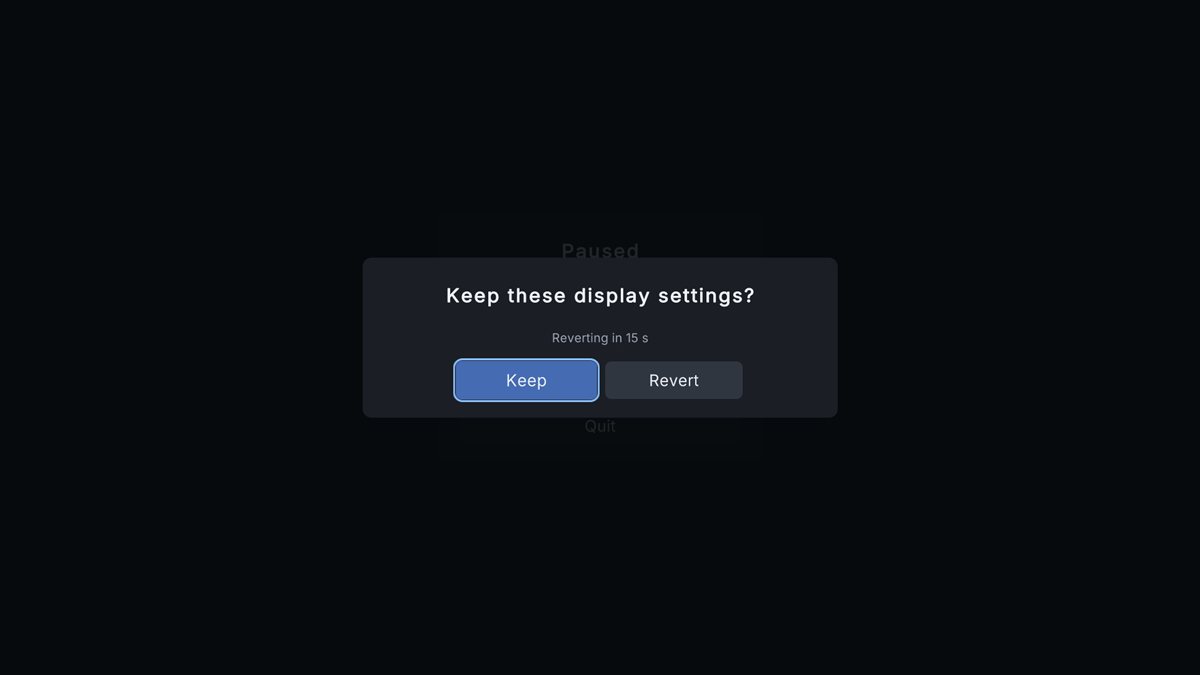
- Display changes ask "Keep?" and undo themselves after 15 seconds, even after a crash
- A damaged settings file falls back to its backup
- Your render pipeline assets are never modified
Accessible
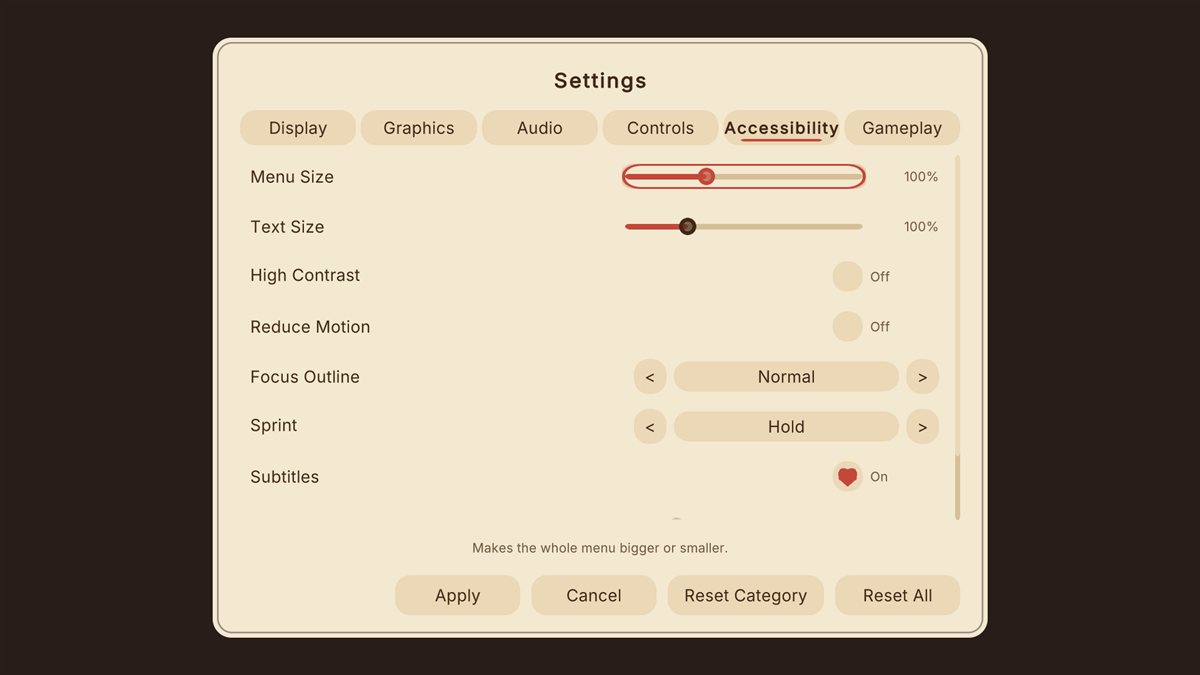
- Menu size and text size
- High contrast (4.5:1 text, tested), reduce motion, focus outline
- Hold or toggle actions
- Subtitles with size and background
Three themes, any language
- Clean, Tactical and Storybook, each with a high-contrast version
- Your own look from one Theme asset
- Every text in string tables, a language picker and a pseudo-language that finds clipped text
Easy to own
Editor window- One window: Quick Start, guided tour, theme switcher with a live preview, and a catalog of every setting.
- Checks: settings that need connecting to your game are listed, most with a one-click fix.
- Help and support: copy your system info for a bug report, straight from the editor.
Included sample scenes
Try it before you add it to your game
Four sample scenes: Try It, a 2D puzzle, a first-person scene and a cozy adventure, one for each theme.
Technical details
Built to be dependable
| Unity | 6000.0 or newer (tested on 6000.0, 6000.3 and 6000.6) |
|---|---|
| Render pipelines | Built-in, URP and HDRP (HDRP-specific graphics settings are not included) |
| Input | Input Manager (old) or the Input System package; rebinding and prompts need the Input System |
| Platforms | Windows, Mono and IL2CPP (tested); WebGL scripts build |
| Uses | Unity UI and TextMesh Pro, Unity's own packages |
| Source | Full C#, no native plugins |
| Domain Reload off | Supported |
| Menu | Tools > All In One Game Settings & Menu Kit |
Good to know
Limits, stated up front
- Screen readers are not supported: Unity UI has no screen reader support.
- Right-to-left languages aren't handled; Chinese, Japanese and Korean need a font that covers them.
- Android and iOS haven't been tested yet.
Status
- The kit is in its final checks before submission to the Asset Store. Its documentation goes up here the day it launches.
Hear the day it launches
Join the Romano Assets Discord for launch news, or ask a question about the kit now.
Support
Help with the Settings & Menu Kit
Stuck, found a bug or have an idea? Pick whichever is easiest. Every message gets an answer.
More from Romano Assets
Other kits, built to the same standard
All In One Prefab Builder Kit
Turn any pack of prefabs into a world-building kit: snap, draw roads, scatter, fence, dress streets, settle with physics and check your scene, all from one window.
All In One Save Kit
Save and restore player progress, world objects and settings, with slots, autosaves, a finished save menu, backups and automatic recovery from damaged saves.
All In One Interaction Kit
Turn your own prefabs into doors, drawers, switches, pickups, keypads and puzzles, with prompts for every controller, a "why can't I interact?" debugger and optional multiplayer.
All In One Runtime Building Kit
Let players build bases and place furniture at runtime: turn your own models into build pieces in about ten minutes without code, snap them together through sockets, drag out rows and areas or stamp whole buildings, and see a plain reason whenever a spot is refused. Four ready-made themes, and every part of the HUD, preview, words and sounds can be changed or switched off.